
Clinical Archive Platform — Mobile
Ceviz Flow
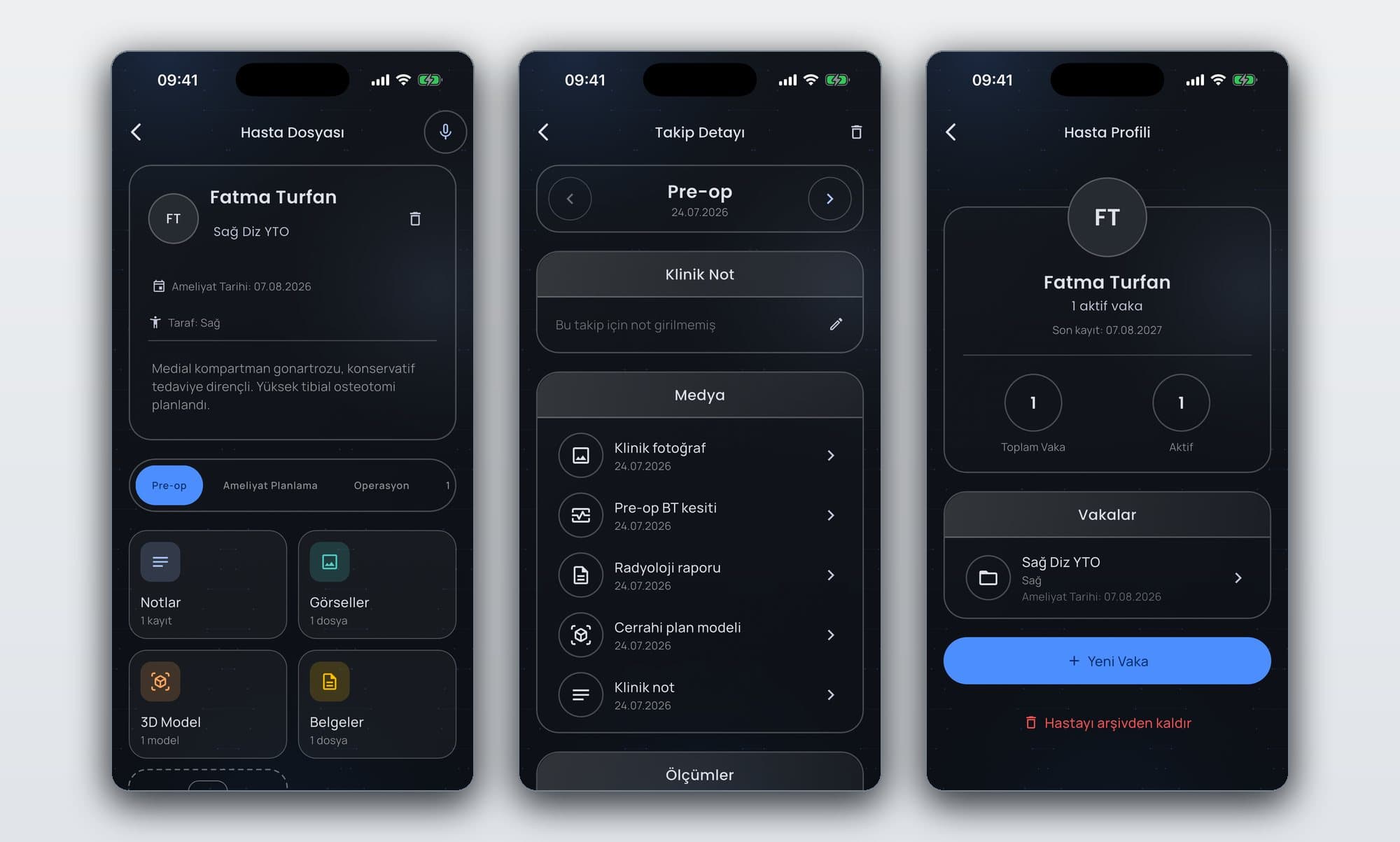
A mobile clinical archive where clinicians and researchers keep patient, case, and follow-up records in one chronological file encrypted on the device — photographs, DICOM, 3D models, documents, and clinical notes all in the same case file.
- Role
- Backend and data-layer developer
- Period
- August 2026 — Ongoing
- Focus
- Keeping clinical data encrypted end to end on the device while search, comparison, and multi-format media all keep working inside the same case file.
01 / Problem
What needed solving?
Clinical record-keeping is scattered today: the photograph sits in the clinician's camera roll and from there in a cloud backup, the radiology image in the hospital system, the 3D model in a folder on a computer, the note on paper. Seeing a whole case means looking in three places, and a before–after comparison means finding two photos in a gallery and screenshotting them — and when a surgery date changes the old one is simply gone, with no way to see what changed when.
02 / Approach
Building the product as a whole.
We put the archive on the device rather than a server: clinical data is special-category personal data, and a clinician has to reach their own records in a practice with no signal — which is why record numbers are generated by the app, not requested from a server. Encryption is file-level rather than field-level, because the full-text search index lives inside the same database file and field-level encryption would have left clinical notes readable as plain text in that index. Authentication stays in our own service, with Firestore used only as a store.
03 / Technical architecture
The system's layers
- 01
Flutter client
Feature-first Clean Architecture: each area carries its own data, domain, and presentation layers. Screens see repository interfaces, and a single place decides which implementation is bound.
- 02
Encrypted local store
SQLite through Drift, with the whole database file encrypted by SQLCipher and each media file additionally by AES-GCM. The key lives in the Keychain/Keystore and never leaves the device; if an archive exists but its key cannot be found, the app raises an error rather than generating a new one.
- 03
Account service
An account service written in Dart and Shelf running on Cloud Run, with Firestore used only as a store. Password hashes are produced here with Argon2id, what is kept is the SHA-256 digest of a session token rather than the token itself, and direct client access to Firestore is closed entirely.
- 04
Capture contract
The guided clinical capture screen was built against a JSON contract with the image-processing engine: detection confidence, angular deviation, centre error, an alignment score, and a guidance command. The engine itself is not written yet; the screen runs against a mock source today, and only that source changes when the engine lands.
04 / Product scope
Key features
- 01
A chronological case file built on a patient → case → follow-up hierarchy
- 02
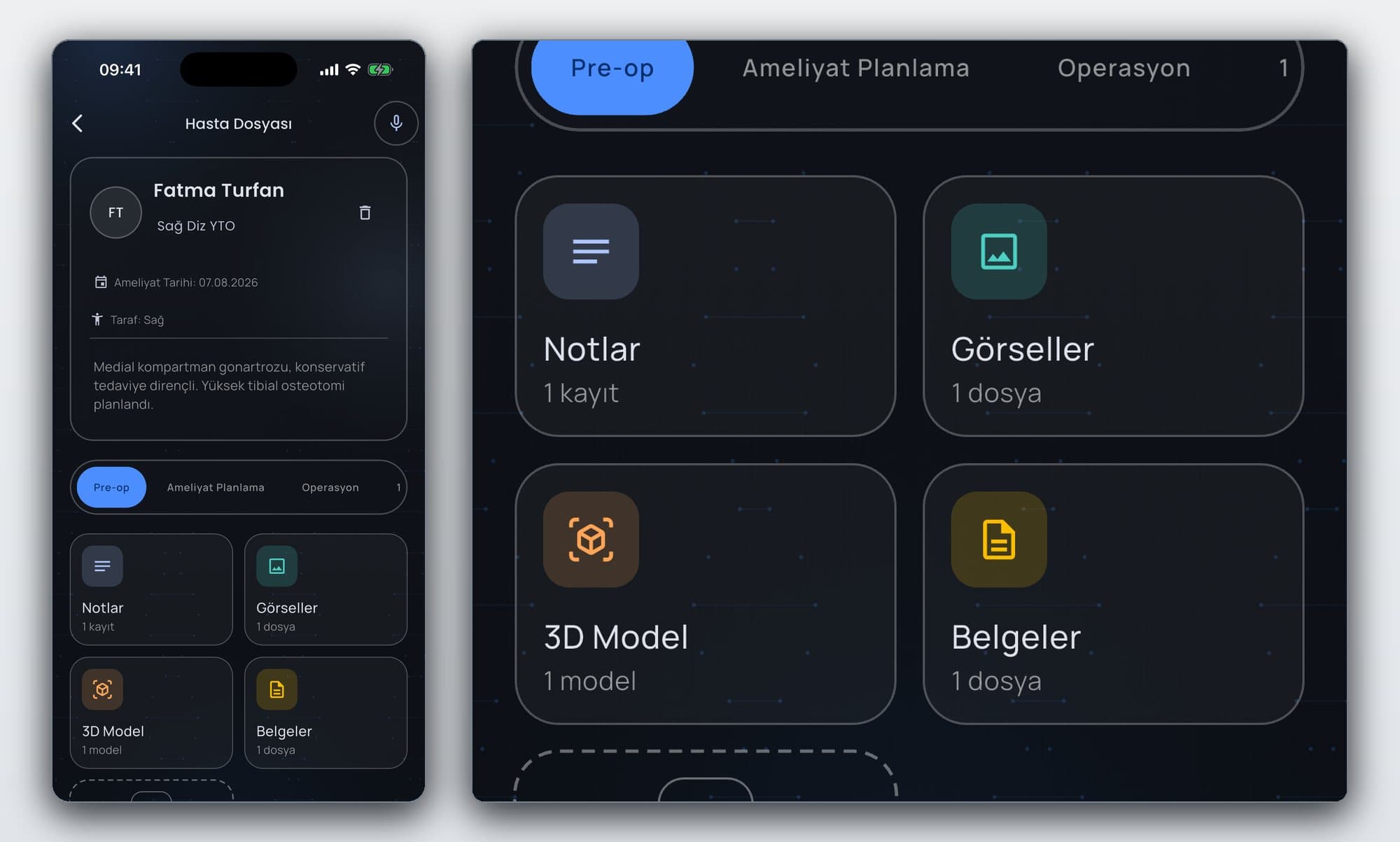
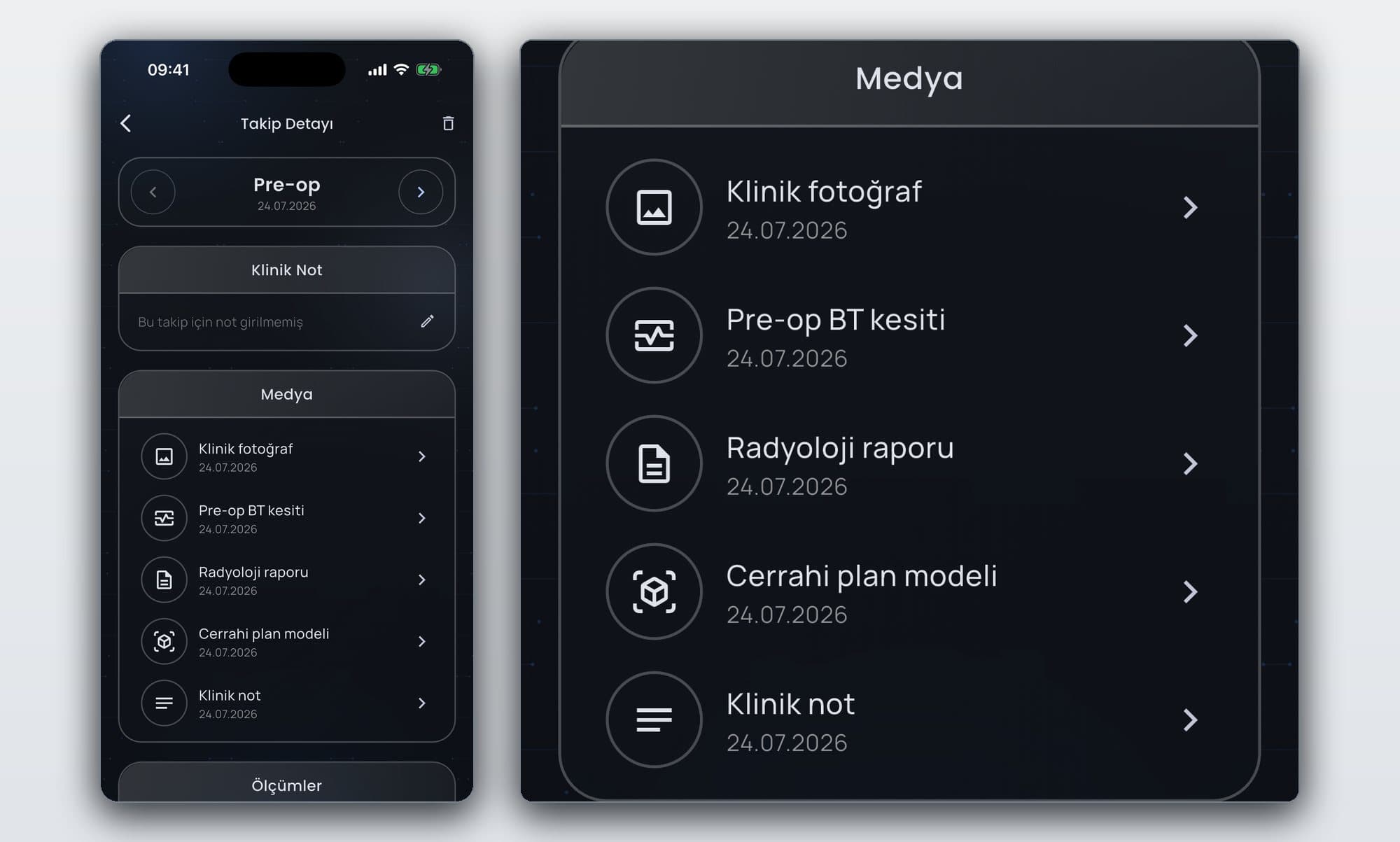
Photographs, DICOM, 3D models, documents, and clinical notes gathered at the same follow-up point
- 03
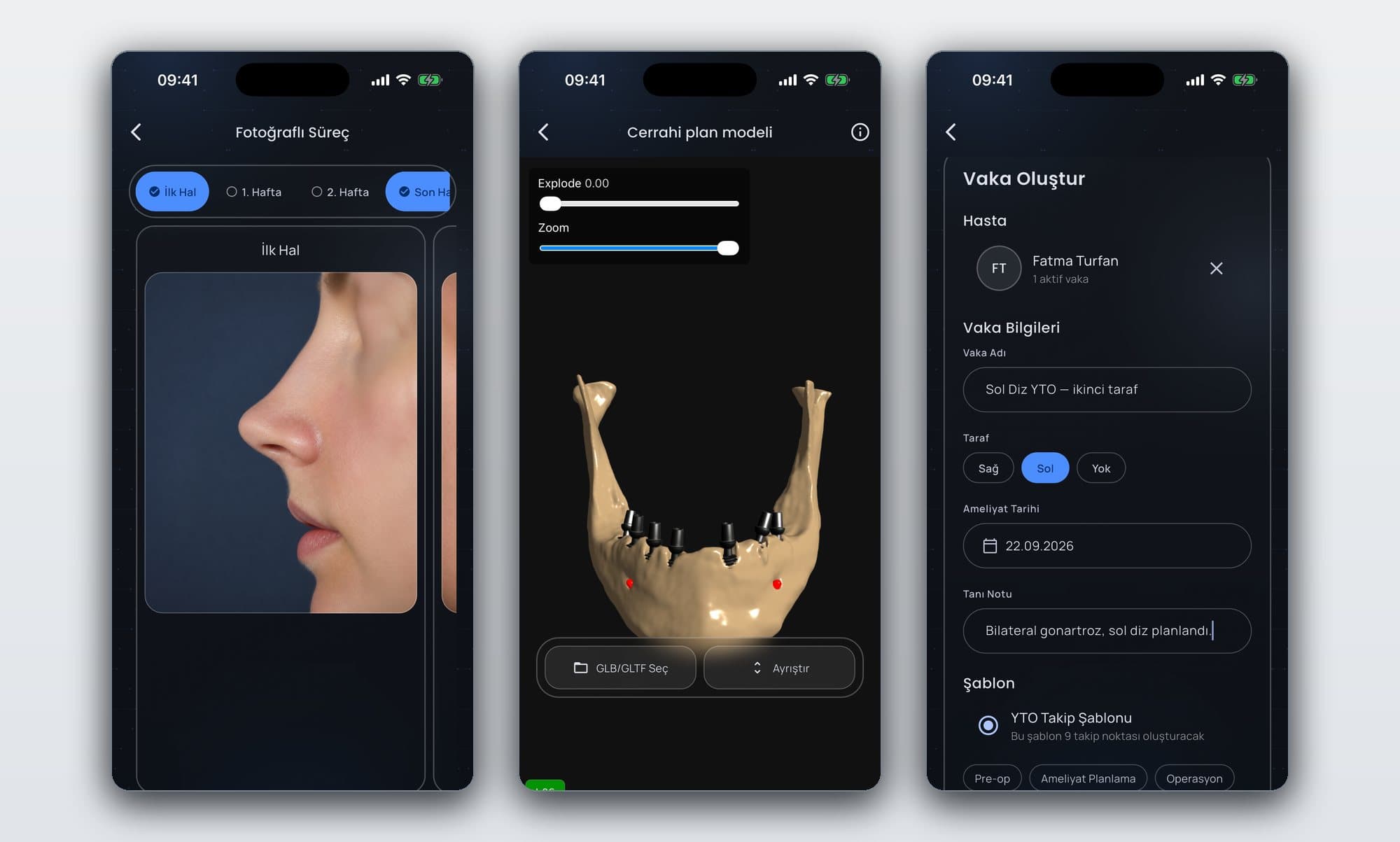
Ready-made follow-up templates per speciality
- 04
Before–after comparison of a patient's photographs from different periods
- 05
Opening a 3D model in the app's own viewer
- 06
Turkish full-text search across clinical notes and diagnoses
05 / Stack
The tools used for this work.
- Flutter
- Dart
- GetX
- Drift
- SQLite
- SQLCipher
- AES-GCM
- Argon2id
- Shelf
- Cloud Run
- Firestore
- three.js
- WebView
- Keychain / Keystore
Interface
Product screens
Result
What changed?
MVP development is ongoing. Registration, sign-in, and session handling run against the live service; the encrypted on-device archive, photo capture and storage, comparison, full-text search, change history, the 3D viewer, and follow-up reminders all work end to end. DICOM files enter the archive but have no viewer yet, users cannot yet build their own templates, and the anatomical capture engine, cloud sync, and web interface are not written.