Native macOS Utility
ProfessorNotch
An open-source app that turns the MacBook notch into a native control center, combining safe local backup, media and system controls, and everyday productivity tools.
- Role
- Solo Developer & Open-Source Maintainer
- Period
- 2026
- Focus
- Balancing offline operation, low resource usage, and high functional density in a small space through native macOS integrations.
01 / Problem
What needed solving?
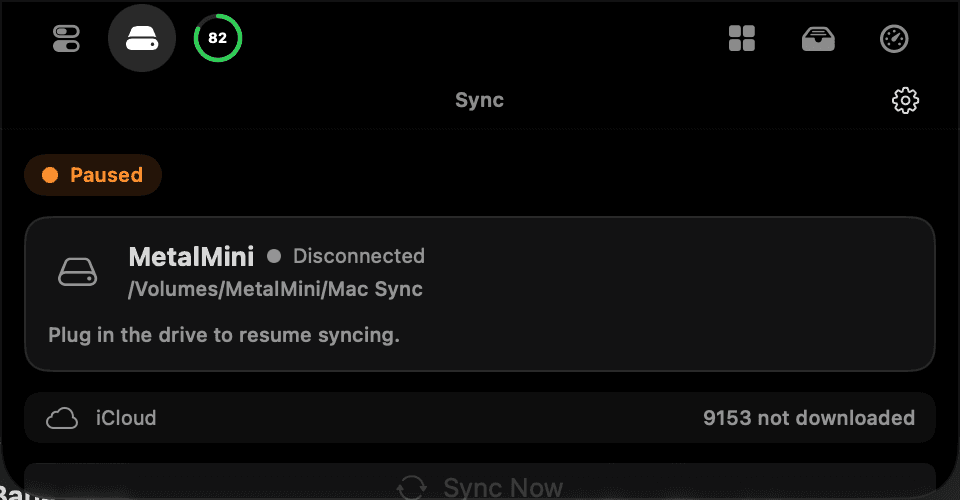
DiskSync originally solved a single need: making safe backups to an external drive. Its unremarkable spot in the menu bar sparked the idea of turning the tool into a more accessible shortcut — and then into a full-fledged product living in the notch itself.
02 / Approach
Building the product as a whole.
I built it fully native with Swift 6, SwiftUI, and AppKit, with no third-party dependencies. I integrated macOS services directly while keeping the promise of offline operation and low resource usage, fitting dense functionality into the small notch area.
03 / Technical architecture
The system's layers
- 01
Notch HUD
Custom NSPanel layers that anchor to the screen geometry and handle hover and file-drag behavior.
- 02
DiskSync engine
FSEvents, actor-based serial jobs, safe additive sync, and a recoverable Mirror archive.
- 03
System services
Modules that manage audio, display, Wi-Fi, Bluetooth, battery, and system metrics through native services.
- 04
Local data
A SQLite3 layer that keeps settings, sync, archive, and usage data on-device; there is no telemetry.
04 / Product scope
Key features
- 01
Safe local backup to an external drive with incremental sync
- 02
Recoverable Mirror archive
- 03
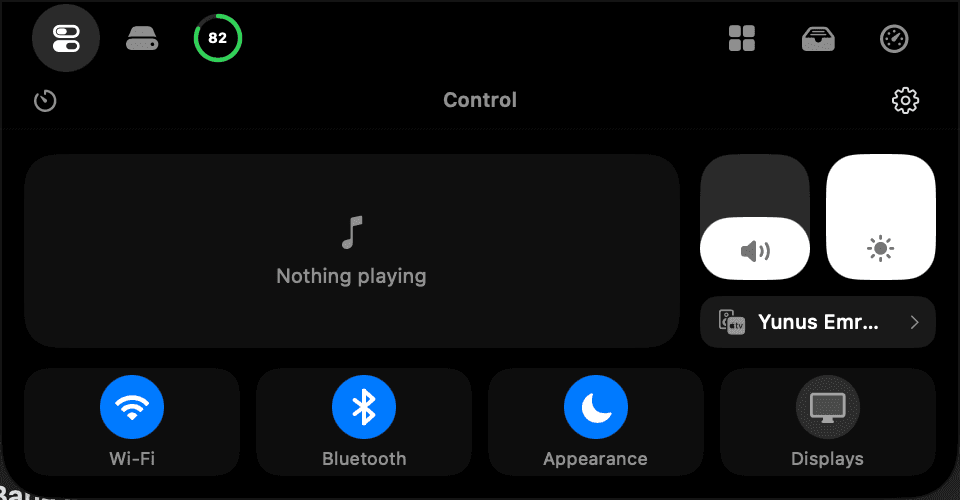
Media, volume, brightness, Wi-Fi, and Bluetooth controls
- 04
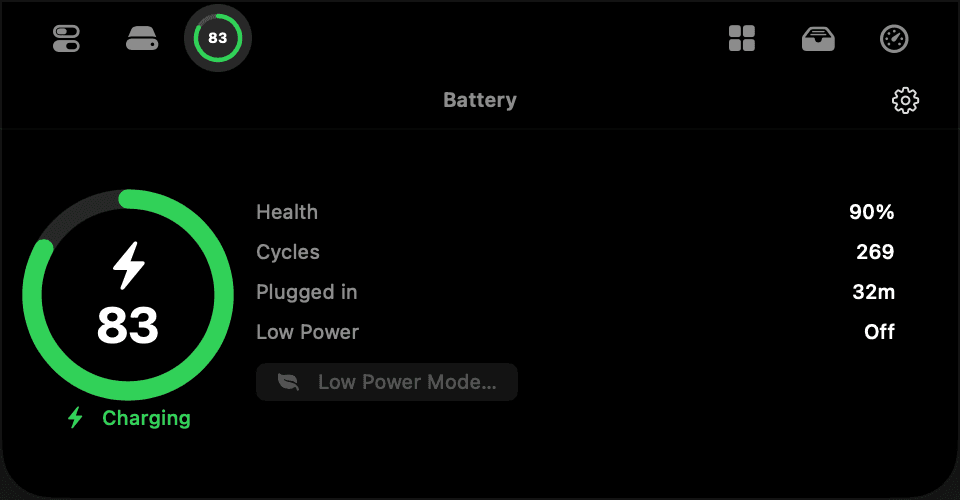
Battery health and live activities
- 05
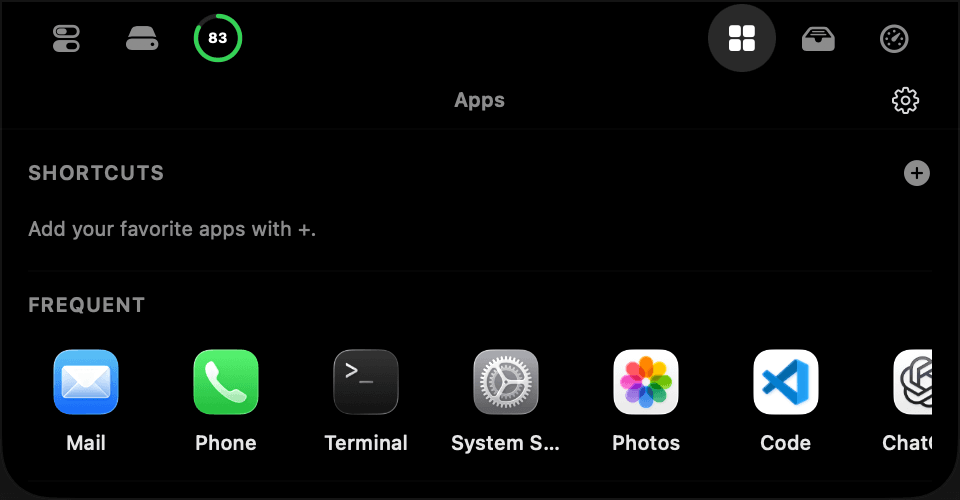
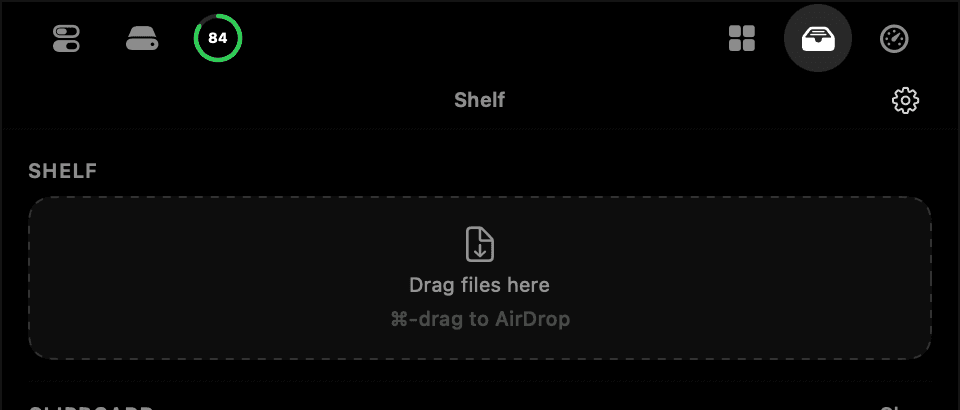
App launcher, file shelf, and clipboard history
- 06
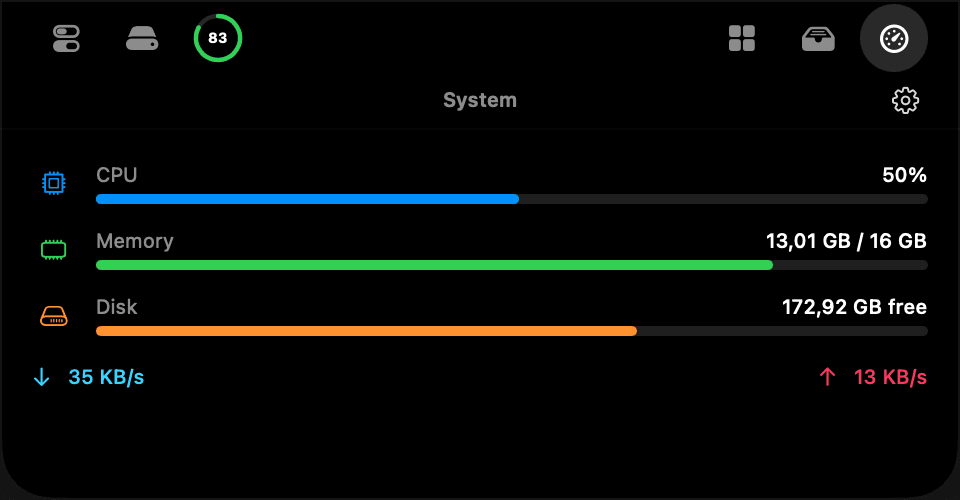
CPU, memory, disk, and network monitoring
- 07
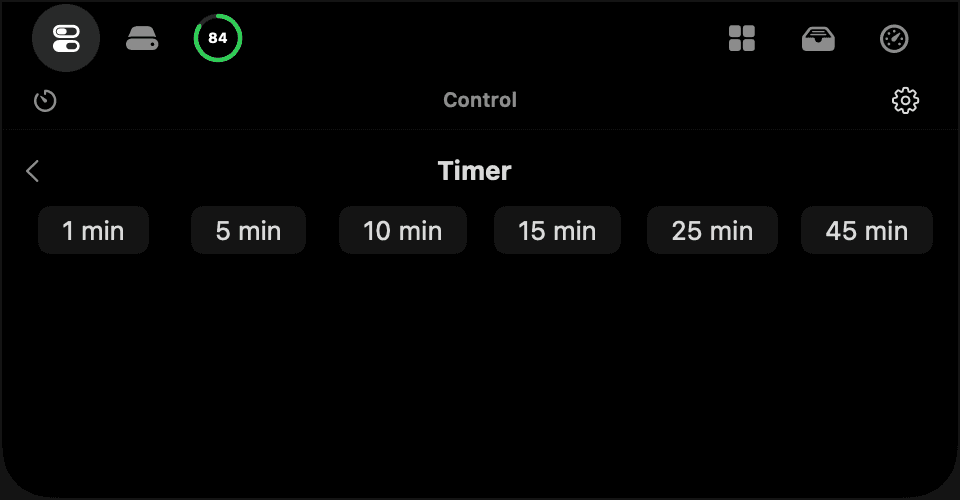
Quick timer built into the notch
- 08
Free, open source, and telemetry-free
05 / Stack
The tools used for this work.
- Swift 6
- SwiftUI
- AppKit
- FSEvents
- SQLite3
- CoreAudio
- CoreWLAN
- IOKit
- AppleScript
- Xcode
Interface
Product screens
Result
What changed?
ProfessorNotch is in active daily use and runs stably; it is fully free and open source under the MIT license. The end-user release will ship once Apple signing, notarization, and Mac App Store compliance work is complete.
Project links